


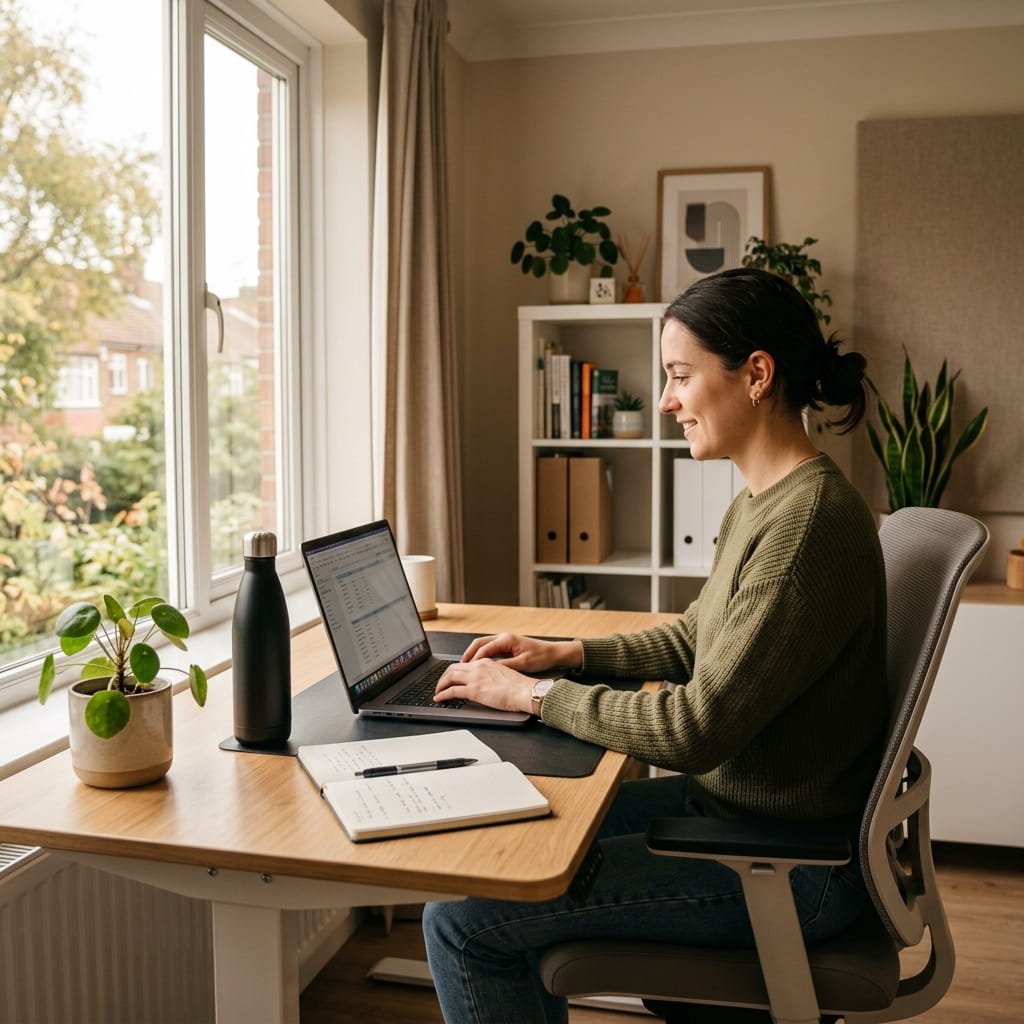
Are you a remote worker looking to boost your productivity and streamline your workflow? One of the most important aspects of being a remote worker is having good computer habits.
But what exactly are good computer habits and how can you implement them in your daily routine? This article will share some of the best computer habits for remote workers. Not only will these habits improve your efficiency, but they also ensure that your computer stays in top shape.
Must Read: Basic Computer Skills Everyone Should Learn in 2026
Why do good computer habits matter for remote work?
When you work in an office, there’s often an IT team to handle updates, backups, and technical problems. But when you work from home, that responsibility usually falls to you. This is why your daily computer habits can make such a big difference.
With a few simple routines, you can prevent many common issues before they even start. Good computer habits can help you in a few key ways:
- They save you time. A clean, well-maintained computer runs faster and is easier to use.
- They reduce your stress. Fewer crashes and lost files mean fewer frustrating moments.
- They protect your work. Regular backups and safe browsing keep your important files secure.
In short, the right habits can make your remote work feel much smoother. The best part is that you don’t need to be a tech expert to see a difference. All it takes is a little consistency to keep your computer running well.
1. Start your day with a clean digital setup
How you begin your workday often sets the tone for the hours that follow. Before you start checking emails and work, it’s helpful to take a little time to prepare your computer for the day.
Here are a few simple morning habits to try:
- Restart your computer regularly. A fresh start can clear out small glitches and free up memory, which helps your device run more smoothly.
- Close any apps you don’t need. The more programs you run at once, the slower your computer can become.
- Check your internet connection. A quick test can help you avoid dropped calls or connection issues later in the day.
These steps only take a couple of minutes, but they can help your computer run faster and let you start your work with a clear mind.
2. Keep your files organized
Having a good system for your files is one of the most useful computer habits for any remote worker. When your files are scattered everywhere, you can waste valuable time searching for them instead of getting work done.
To stay organized, you can try these tips:
- Create clear folders. Group your files by project, client, or date so you can find them again easily.
- Use simple, consistent file names. A file named “Monthly Report – March 2025” is much easier to find than “final_report_v2.”
- Clean up your desktop once a week. A cluttered desktop can be distracting and may even slow down your computer.
Over time, these habits can save you hours of searching and help you find any document right when you need it.
Related Reading: Benefits of Keeping Your Desktop Organized
3. Back up your work often
Have you ever imagined finishing a big project, only to lose it when your laptop suddenly crashes? It’s a stressful thought, but unfortunately, it happens more often than people think.
That’s why making regular backups is so important. The good news is that backing up your files is easier than ever, and you have several reliable options to choose from. You can:
- Use cloud storage, like Google Drive or Dropbox, to sync your files automatically.
- Keep an external hard drive for extra copies of your most important work.
- Set a weekly reminder on your calendar to help you remember.
When you back up your work, you protect yourself from unexpected accidents. Even if your device fails, your files will remain safe.
4. Take care of your computer’s health
Your computer works hard for you every day, so it helps to give it a little care in return. When you skip basic maintenance, small issues can slowly turn into bigger problems.
To keep your device in good shape, try to build these habits:
- Update your software. These updates protect your computer from security threats and fix issues that can slow down your computer.
- Free up storage space. Delete temporary files and old apps you no longer use.
- Watch for overheating. Keep the vents clear and avoid working on soft surfaces like a bed, which can block airflow.
These habits can help your computer last longer and run more efficiently, which means you’ll notice fewer slowdowns during your workday.
5. Protect your computer from security risks
As a remote worker, you may handle sensitive information, from client details to private company files. Because of this, your online security should always be a priority.
Thankfully, staying safe online doesn’t have to be complicated. You can start with these everyday habits:
- Use strong, unique passwords. It’s best to avoid easy-to-guess passwords, such as “123456” or the word “password” itself.
- Turn on two-factor authentication whenever it’s available for an extra layer of protection.
- Be careful with links and downloads. If an email or link looks suspicious, it’s best not to click it.
- Avoid using public Wi-Fi for work. If you must use it, connect through a secure VPN to protect your data.
These steps may seem small, but together they offer real protection for your work and personal information.
6. Manage your browser tabs and notifications
If you’re like many people who work from home, you might have a lot of browser tabs open right now. While it’s a common habit, it can slow your computer down and make it hard to focus.
Learning to manage digital clutter can be a powerful tool. Instead of letting tabs pile up, you can try to:
- Keep only the tabs you need for your current task.
- Save pages you want to read later as bookmarks.
- Mute or pause notifications when you need to concentrate.
When you reduce digital distractions, it’s easier to think clearly. As a result, you may finish your work faster and feel less overwhelmed.
7. Set boundaries between work and personal use
When you work from home, the line between your work life and your personal life can blur. After all, your computer often serves as both your office and your entertainment hub.
To stay focused, it can help to create a few simple boundaries:
- Use separate user accounts on your computer for work and personal activities, if possible.
- Keep your work apps in one place so personal notifications don’t distract you.
- Log off completely at the end of the day. This small action can help your brain switch from work mode to rest mode.
These boundaries can protect your focus during work hours and, just as importantly, help you relax and recharge when the day is done.
8. Take breaks to protect your eyes and body
Good computer habits are not just about caring for your machine; they are also about caring for yourself. Staring at a screen for hours can lead to eye strain, neck pain, and back discomfort.
Remember to look after your well-being with these simple habits:
- Follow the 20-20-20 rule. To reduce eye strain, look away from your screen every 20 minutes and focus on an object about 20 feet away for at least 20 seconds.
- Change your screen’s brightness to match the light in the room.
- Get up and move for a few minutes every hour to stretch your legs and back.
Taking regular breaks helps you stay comfortable and focused. Over the long run, these small actions play an important role in protecting your health.
Conclusion
Working from home can feel like a great opportunity, but it can also bring new challenges. It is important to establish healthy habits while using your computer to ensure your well-being and productivity.
By following the tips in this guide, you can create a comfortable and efficient setup that works for you. Don’t forget to take breaks, maintain good posture, and prioritize your well-being while working remotely. With these habits in place, you can thrive as a remote worker and achieve success in your career.
Frequently Asked Questions
How often should I restart my computer when working from home?
It’s a good idea to restart your computer at least once a day, usually in the morning. A fresh start clears out small glitches and frees up memory, which helps your device run more smoothly throughout your workday.
What is the easiest way to back up my work files?
The simplest method is cloud storage like Google Drive or Dropbox, since it can sync your files automatically. For extra safety, you can also keep an external hard drive with copies of your most important work.
How can I make my laptop run faster for remote work?
Start by closing apps you don’t need, deleting temporary files, and freeing up storage space. Regular software updates and a quick weekly cleanup of your desktop can also make a noticeable difference.
Is public Wi-Fi safe for remote work?
Public Wi-Fi is not the safest choice for handling work files. If you must use it, connect through a secure VPN to protect your data. When possible, it’s best to stick with your home network.
How do I keep my files organized so I can find them quickly?
Create clear folders grouped by project, client, or date, and use simple, consistent file names. Cleaning up your desktop once a week also helps you avoid clutter and find documents faster.
What are the best ways to protect my computer from security risks?
Use strong, unique passwords, turn on two-factor authentication, and be careful with suspicious links or downloads. These small steps work together to keep your work and personal information safe.
How can I avoid eye strain and discomfort while working at my computer?
Try the 20-20-20 rule. The 20-20-20 rule is a great way to protect your eyes from digital strain. Adjusting the brightness of your screen and standing for a while every hour can also help you stay relaxed and focused.

