


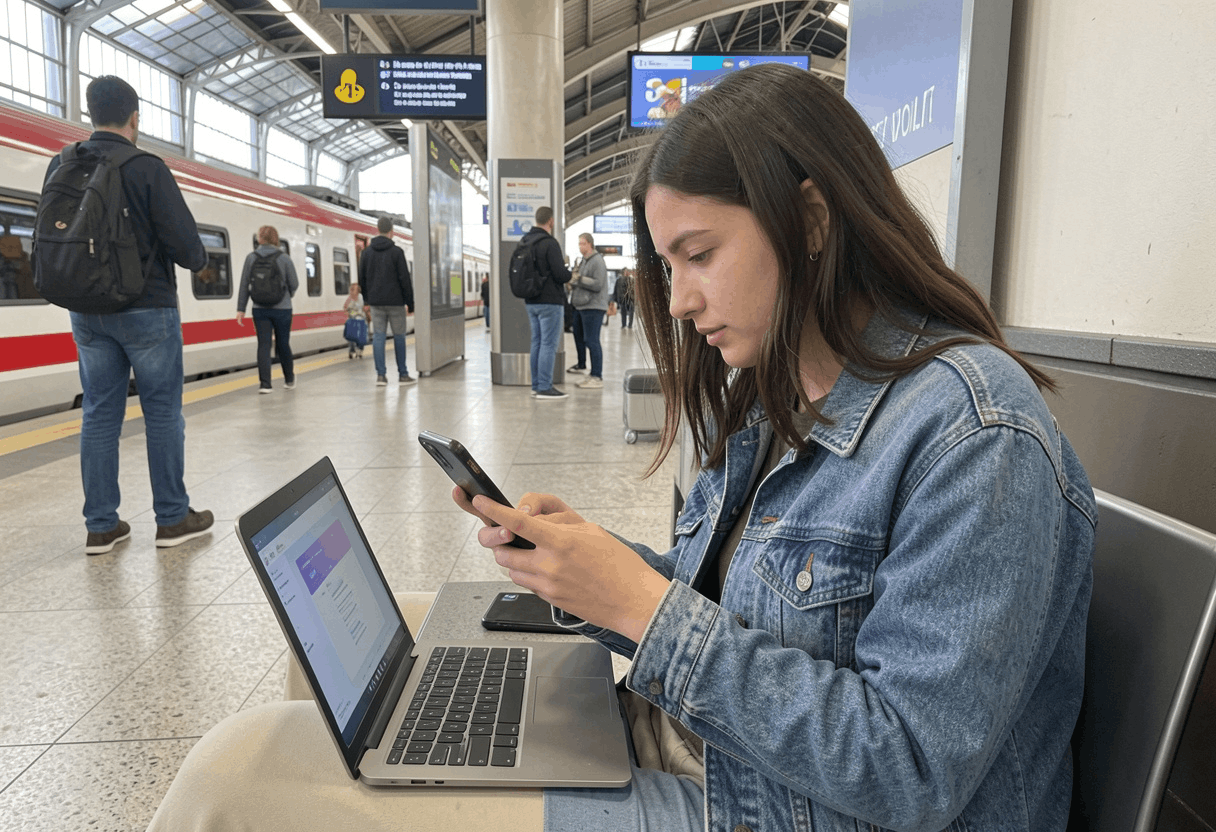
Public WiFi is now part of daily life. People use it in coffee shops, airports, hotels, libraries, malls, and even public transport hubs. Public networks are fast, easy to access, and often free. That convenience, however, can come with real risks if you do not take a few simple precautions.
Many people connect to open networks without thinking twice. They check email, log in to apps, shop online, or access bank accounts while sitting in a public place. Unfortunately, unsafe browsing habits on public WiFi can expose personal data, passwords, and even payment details.
That is why learning how to stay safe on public WiFi is so important. The good news is that you do not need advanced technical skills to protect yourself. In most cases, a few smart habits can significantly lower your risk.
You may also like: Top Tips for Safe Online Shopping in 2026
Why is Public WiFi Risky?
Public WiFi can be risky because you are sharing a network with many other people. In some cases, the network itself may not be well protected. In other cases, attackers may create fake hotspots that look real but are designed to steal information.
For example, a fake network might use a name that looks similar to a hotel, cafe, or airport WiFi. If you connect to it, the person controlling that network may be able to monitor what you do. Even on a real public network, weak security settings can make it easier for someone nearby to intercept data.
Another issue is that many users do not update their devices often. As a result, old software flaws can make phones, tablets, and laptops easier to target. Likewise, people sometimes keep file sharing, Bluetooth, or automatic connections turned on without realizing the risk.
So, while public WiFi is useful, it is best to treat it as a convenience network, not a trusted private connection.
Common Risks You Should Know
Before you learn how to stay safe on public WiFi, it helps to understand the most common dangers. Once you know what can go wrong, it becomes much easier to build better habits.
1. Fake WiFi hotspots
This is one of the most common risks. A fake hotspot is a wireless network set up to look like a real one. For instance, instead of “Airport_Free_WiFi,” you may see “Airport Free WiFi” or a similar name. At first glance, both may look official.
However, if you join the fake one, your traffic may pass through a device controlled by someone else. That person may then try to collect login details or redirect you to harmful websites.
2. Unencrypted connections
Some public networks do not use strong encryption. This means information traveling across the network may be easier to read if intercepted. While many websites now use HTTPS, not every app or site handles data the same way.
Because of that, sensitive actions on public WiFi can still carry extra risk.
3. Man-in-the-middle attacks
In simple terms, this happens when someone positions themselves between your device and the service you are using. Instead of data moving directly from you to a website, it passes through another point first. As a result, messages, passwords, or other private details may be exposed.
4. Malware spread
On insecure networks, attackers may try to push harmful software onto vulnerable devices. This is more likely if your device is outdated or if you click suspicious pop-ups, install unknown apps, or download files from unsafe sites.
5. Data snooping on shared networks
Even if nobody is directly attacking you, a public network may still expose more than you expect. If sharing settings are on, other users on the same network may try to view device names, open folders, or printers.
That is why small settings matter a lot.
How to Stay Safe on Public WiFi
The good news is that safe public WiFi use does not need to be complicated. In fact, a few smart steps can make a big difference. Below are some practical ways to reduce your risk every time you connect.
1. Confirm the exact network name
Before you join any public WiFi, ask staff for the correct network name. Do not guess. Also, do not connect only because a name looks familiar.
This is especially important in places like cafes, hotels, and airports where several similar names may appear. A quick check with an employee can help you avoid a fake hotspot.
2. Avoid sensitive tasks on public networks
One of the best ways to stay safe is also one of the easiest. If possible, do not use public WiFi for online banking, payment activity, or other highly sensitive tasks.
Instead, wait until you are on your home network or use your mobile data. If something is urgent, extra protection is important, which we will cover below.
3. Use a trusted VPN
A virtual private network, or VPN, adds a layer of privacy by encrypting your internet traffic. In simple words, it helps hide what you are doing from others on the same network.
This does not solve every security issue, but it is one of the strongest tools for public WiFi safety. If you often work from cafes, airports, or hotels, using a reliable VPN can be a smart habit.
When choosing one, stick with a trusted provider that has a clear privacy policy. Free VPNs may seem appealing, but some offer limited protection or collect too much user data.
4. Check for HTTPS before entering information
When visiting a website, look for https:// at the start of the web address and a lock icon in the browser. This shows the connection between your browser and the website is encrypted.
Even so, do not treat HTTPS as a full safety guarantee. It helps, but it does not confirm that every site is trustworthy. Still, it is an important first check before signing in or entering personal details.
5. Turn off auto-connect
Many devices are set to join known or open networks automatically. Although this can save time, it can also connect you to unsafe networks without you noticing.
So, go into your WiFi settings and turn off automatic connection to public hotspots. This gives you more control and helps prevent accidental connections.
6. Disable file sharing and nearby sharing
If you use a laptop in public, turn off file sharing, printer sharing, and nearby device access before you connect. On phones and tablets, it is also wise to disable sharing features you do not need.
This simple step reduces the chance that someone on the same network can see or attempt to access your device.
7. Keep your device updated
Updates often include important security fixes. That is why old software can create unnecessary risk.
Before traveling or using public WiFi often, check for updates on your phone, tablet, laptop, browser, and key apps. In addition, keep your security tools current if you use antivirus or built-in protection features.
Regular updates are one of the easiest ways to improve device safety.
8. Use two-factor authentication
Two-factor authentication adds an extra login step. For example, after entering your password, you may also need a code from an app or text message.
This is helpful because even if someone gets your password, they may still not be able to access your account. If you have not enabled this on your email, banking, or shopping accounts, it is worth doing.
9. Log out when you are done
It is easy to forget this step, especially when you are in a hurry. However, logging out of websites and apps after use can reduce exposure, particularly on shared or less secure networks.
Likewise, avoid staying signed in to important accounts unless truly necessary.
10. Turn off WiFi when you no longer need it
Once you are finished, disconnect from the network and switch the WiFi off. This prevents your device from reconnecting automatically while you move through public places.
It also helps save battery and lowers background network activity.
Best Habits for Phones, Tablets, and Laptops
Different devices need slightly different care. Even so, the goal is the same: reduce exposure and stay in control of your connection.
On smartphones
Phones often switch between networks quickly, so it is important to review WiFi settings. Turn off auto-join for open networks. Also, review app permissions and remove apps you no longer use.
If your phone supports private WiFi address settings, keep that feature enabled when possible. It can help reduce device tracking across networks.
On tablets
Tablets are often used for streaming, reading, and browsing in public places. Because of that, users may forget they are still logged in to shopping or email accounts. Before using public WiFi, close old sessions and avoid storing payment details in browsers unless needed.
On laptops
Laptops often carry more work files and saved passwords, so extra caution matters. Set your network profile to Public instead of Private when using shared WiFi. This usually limits device visibility on the network.
Also, use a firewall if your system includes one, and lock your screen when stepping away, even for a short time.
Warning Signs a Public Network May Not Be Safe
Sometimes a network gives clues that something is wrong. While no sign is perfect on its own, these issues should make you more careful.
- The network name looks strange or slightly misspelled
- A login page asks for too much personal information
- Websites begin redirecting in unusual ways
- You see repeated pop-ups asking you to install software
- The connection behaves very differently from normal
- Your browser shows certificate or security warnings
- The hotspot has no password in a place where one is usually required
If you notice any of these signs, disconnect right away. Then forget the network on your device so it does not reconnect later.
Is Public WiFi Safe If It Needs a Password?
A password-protected network is often better than a fully open one, but that does not automatically make it safe. In many public places, the password is shared widely with guests or customers. So, while access is more limited, the network may still be public in practice.
In other words, password protection helps, but it should not replace basic caution. You should still avoid sensitive tasks, use secure websites, and keep your device settings tight.
What to Do If You Think Your Data Was Exposed
If you used a suspicious network or notice unusual account activity, act quickly. Fast action can reduce the damage.
Here are some simple steps to take:
Change important passwords
Start with your email account, since it often connects to other services. Then update passwords for banking, shopping, cloud storage, and social media accounts.
Turn on or review two-factor authentication
If you have not enabled it yet, do so now. If it is already active, make sure recovery methods are still correct.
Check account activity
Many services let you review recent sign-ins or connected devices. Look for unfamiliar locations, devices, or login times.
Run a security scan
Use built-in device security tools or trusted antivirus software to scan for suspicious files or apps.
Remove saved networks you do not trust
Delete unknown public hotspots from your WiFi history so your device does not reconnect later.
Watch payment accounts closely
If you entered card details or used banking services on a suspicious network, monitor your accounts and contact your bank if anything looks wrong.
Essential Safety Steps for Public WiFi
| Safety Step | Why It Helps |
|---|---|
| Verify the network name | Helps you avoid fake hotspots |
| Use a VPN | Adds privacy on shared networks |
| Avoid banking and shopping | Reduces risk if the network is unsafe |
| Turn off auto-connect | Prevents unwanted network joins |
| Update your device | Fixes known security flaws |
| Use two-factor authentication | Ensures your accounts remain secure, even if your password falls into the wrong hands. |
Public WiFi Safety Tips for Travel
Travel often increases the use of public internet, especially in airports, hotels, train stations, and tourist areas. During trips, people are also more distracted, which makes mistakes more likely.
So, before you travel, update your devices, enable two-factor authentication, and install a trusted VPN if you plan to use one. While traveling, confirm network names directly with hotel or airport staff. In addition, use your mobile hotspot when possible for more sensitive tasks.
It is also smart to pack a power bank. That way, you are less likely to connect to unknown devices or stay online longer than needed just because your battery is low.
Final Words
Learning how to stay safe on public WiFi is not about fear. Instead, it is about building a few smart habits that protect your information in everyday places.
Public WiFi can be useful, fast, and convenient. At the same time, it should never be treated like a fully private connection. By verifying network names, avoiding sensitive tasks, using secure websites, updating your devices, and turning on extra account protection, you can lower your risk in a big way.
Most importantly, even small changes can make a big difference in your digital safety. Yes, even a few simple changes can improve your online safety. Over time, these habits become normal and easy to follow.
If you use shared internet often, now is a good time to review your settings and make small improvements. Those small steps can help keep your data, accounts, and devices much safer wherever you go.
Frequently Asked Questions
Can I safely check my email on public Wi-Fi?
It can be safer than banking or shopping, especially if your email account uses two-factor authentication and you are on a secure website or app. Even so, caution still matters. Avoid clicking suspicious links or downloading unknown attachments while on public networks.
Can someone see my passwords on public WiFi?
If the network is unsafe and your connection is not properly protected, there is a risk that login details could be exposed. That is why using HTTPS, enabling two-factor authentication, and avoiding fake hotspots are so important.
Should I use mobile data instead of public WiFi?
For sensitive tasks, yes, mobile data is often the safer choice. If you need to access banking, payment apps, or private work accounts, using your own data connection can reduce risk.
Does a VPN make public WiFi completely safe?
No. A VPN improves privacy and adds protection, but it does not solve every problem. You still need to avoid suspicious networks, keep your device updated, and stay alert for fake websites or harmful downloads.
What is the safest thing to do on public WiFi?
The safest approach is to use public WiFi only for low-risk browsing, streaming, or reading. For anything sensitive, switch to mobile data or wait for a trusted network.

